
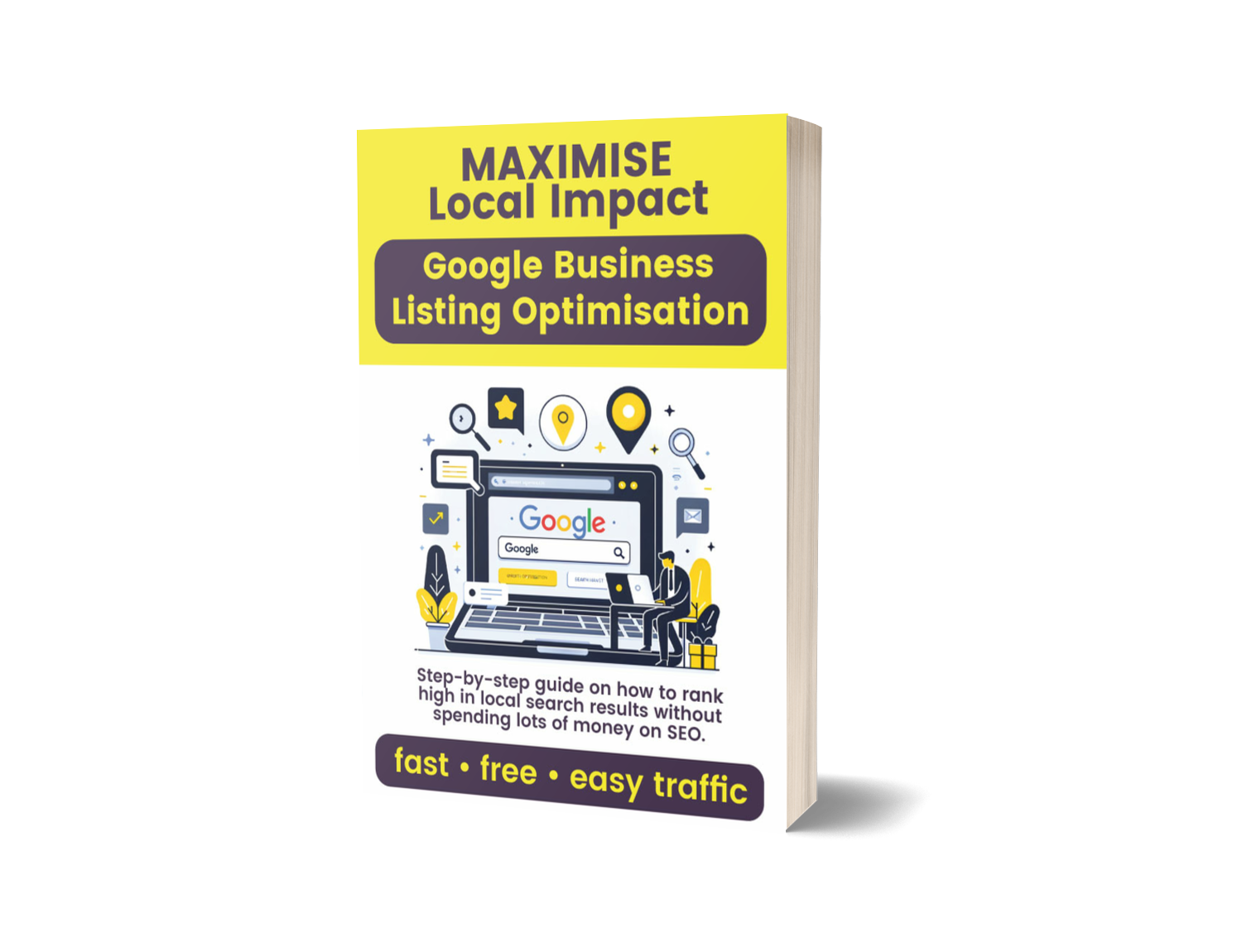
Welcome to the Optimise Your Google Business Listing course! Over the next eight sections, you’ll learn how to harness the power of Google Business Profile and SEO best practices—combined with AI prompts—to drive more local traffic, build trust, and convert visitors into customers.
• Complete Profile Setup: From NAP details to advanced images, FAQs, and embeds.
• Keyword-Driven Strategy: Identify top keywords & craft content that ranks.
• SEO-Optimised Service Pages: Build 10 high-impact pages with video, images, web copy, FAQs, maps, and interlinking.
• Off-Page Authority: Create local citations and earn authoritative backlinks.
• Time-Saving AI Workflows: Use ChatGPT prompts to automate research, writing, and technical tasks.
• Done-For-You Options: Access our optional £149 citation and backlink packages.
• Keyword-Driven Strategy: Identify top keywords & craft content that ranks.
• SEO-Optimised Service Pages: Build 10 high-impact pages with video, images, web copy, FAQs, maps, and interlinking.
• Off-Page Authority: Create local citations and earn authoritative backlinks.
• Time-Saving AI Workflows: Use ChatGPT prompts to automate research, writing, and technical tasks.
• Done-For-You Options: Access our optional £149 citation and backlink packages.
Section 0: Introduction & Overview – Course roadmap & prep checklist
Section 1: Understanding Your Business – Business profile recorded in ChatGPT
Section 2: Keyword Research & Selection – Top 10 SEO keywords & 20 image keywords
Section 3: Editing EXIF Data – 10–20 images bulk-tagged and renamed
Section 4: GBL Basic Information – Profile NAP, categories, description, hours
Section 5: GBL Advanced: Images & FAQs – Photos uploaded & FAQs seeded
Section 6: SEO Writing – 10 long-form, keyword-rich page drafts
Section 7: Developing SEO Pages – Fully built WordPress service pages
Section 8: Citation & Link Building – Local citations & backlink outreach
Section 1: Understanding Your Business – Business profile recorded in ChatGPT
Section 2: Keyword Research & Selection – Top 10 SEO keywords & 20 image keywords
Section 3: Editing EXIF Data – 10–20 images bulk-tagged and renamed
Section 4: GBL Basic Information – Profile NAP, categories, description, hours
Section 5: GBL Advanced: Images & FAQs – Photos uploaded & FAQs seeded
Section 6: SEO Writing – 10 long-form, keyword-rich page drafts
Section 7: Developing SEO Pages – Fully built WordPress service pages
Section 8: Citation & Link Building – Local citations & backlink outreach
1. Watch each Video Tutorials for visual guidance.
2. Follow the Written Guides to execute tasks in parallel.
3. Use the ChatGPT Prompts—paste them into your chat to automate research, writing, and technical steps.
4. Complete each section’s Checklists to track progress.
5. Confirm core business details once (Section 1) so subsequent prompts auto-reference them.
2. Follow the Written Guides to execute tasks in parallel.
3. Use the ChatGPT Prompts—paste them into your chat to automate research, writing, and technical steps.
4. Complete each section’s Checklists to track progress.
5. Confirm core business details once (Section 1) so subsequent prompts auto-reference them.
• Google Account (for Business Profile, YouTube, Keyword Planner)
• WordPress Access (with an SEO plugin like Yoast or Rank Math)
• ChatGPT (use the same chat for all prompts)
• Spreadsheet Software (Excel or Google Sheets)
• Image Folder (for bulk EXIF edits)
• Basic Video Clips (1–3 min for YouTube uploads)
• WordPress Access (with an SEO plugin like Yoast or Rank Math)
• ChatGPT (use the same chat for all prompts)
• Spreadsheet Software (Excel or Google Sheets)
• Image Folder (for bulk EXIF edits)
• Basic Video Clips (1–3 min for YouTube uploads)
• Sections 1–3: Record business details, research keywords, and prepare images.
• Sections 4–5: Configure your Google Business Listing with NAP, visuals, and FAQs.
• Sections 6–7: Write and build SEO pages with multimedia and interlinking.
• Section 8: Strengthen your profile via citations and backlink outreach.
If you have any questions, ask your ChatGPT assistant or refer to the video demos. Ready to begin? Let’s dive into Section 1: Understanding Your Business!
• Sections 4–5: Configure your Google Business Listing with NAP, visuals, and FAQs.
• Sections 6–7: Write and build SEO pages with multimedia and interlinking.
• Section 8: Strengthen your profile via citations and backlink outreach.
If you have any questions, ask your ChatGPT assistant or refer to the video demos. Ready to begin? Let’s dive into Section 1: Understanding Your Business!